Simplesat’s new Team members section lets admins view, organize, merge, and map their entire agent roster directly from the app.
Before, team members existed behind the scenes — created by integrations and rating placeholders, with no central place to manage them. Duplicate records caused by agents using multiple email addresses splintered feedback and skewed CSAT scores. Cleaning things up meant contacting support.
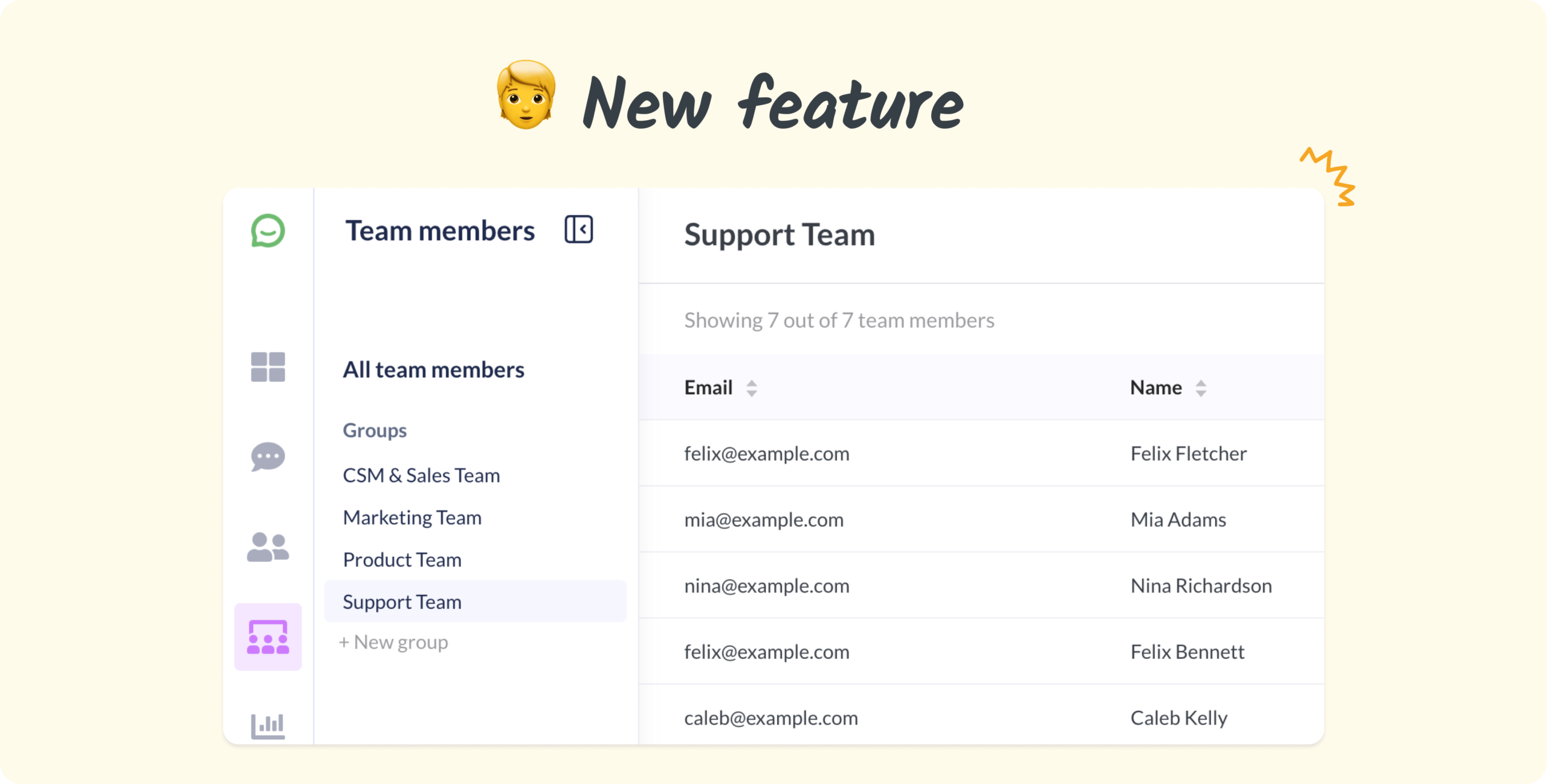
The new Team members section gives admins a sortable, filterable table of every agent in the account. From there, you can edit details, merge duplicates, and organize agents into groups that work as filters across dashboards and feedback views.
- Merge duplicates to consolidate split feedback into a single record
- Create groups and filter dashboards by team, region, or any grouping you need
- Map users to team members with a searchable dropdown (replacing the old email text field)
- Protect synced fields by keeping integration-managed data read-only and showing its source
Managers can view the Team members section and use group filters in dashboards and feedback views. Admins and Owners can edit, merge, and map team members, and create groups.
About Simplesat: Simplesat is the leading omnichannel survey app designed to enhance customer feedback management across various platforms, including Zendesk, Salesforce, and Gladly. Trusted by businesses worldwide, Simplesat delivers actionable insights that drive business growth and customer satisfaction.