Published
March 27, 2023
Roundup
5-Star, multi-select questions, survey expiration, and enhanced filters
We've got some fantastic updates for you, and we can't wait to share them. Let's dive into what's new.
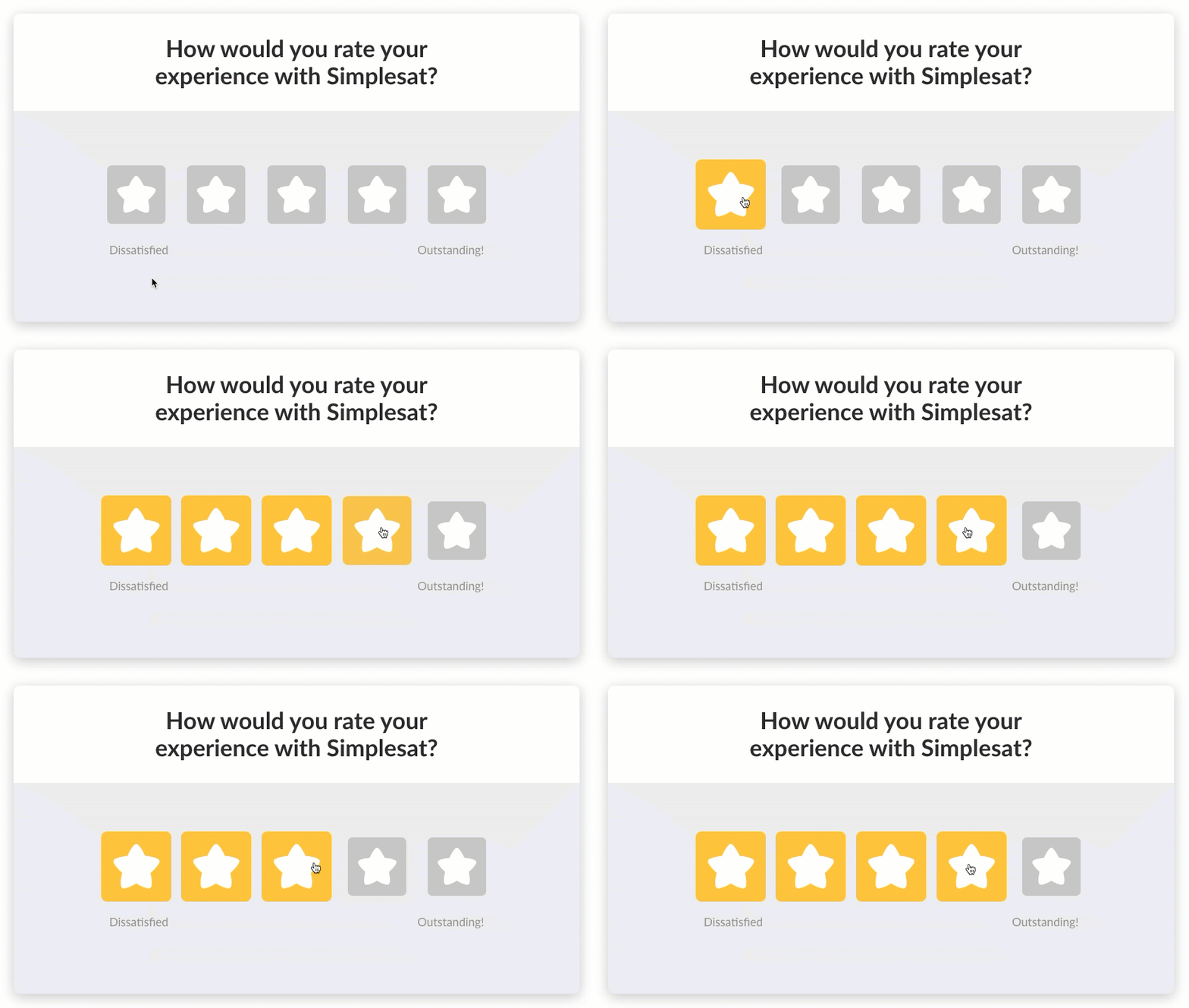 In addition to CSAT, NPS, and CES, Simplesat now supports the 5-Star metric as the primary question type in your surveys.
Here's how it's different from CSAT:
In addition to CSAT, NPS, and CES, Simplesat now supports the 5-Star metric as the primary question type in your surveys.
Here's how it's different from CSAT:
 We've heard you loud and clear! Multi-select questions are now available, allowing your customers to select multiple choices for a question. They can simply click to toggle their choices and then hit submit to move on to the next question. This feature is also available for follow-up questions.
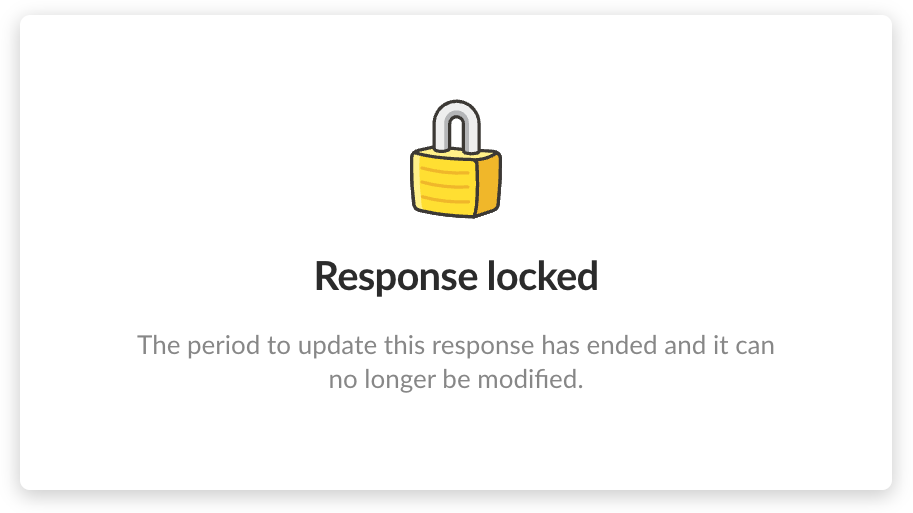 Keep your data locked down with our new expiration settings. You can now configure responses to be "locked" after a set number of hours, ensuring that old data stays preserved. Comparing quarters has never been easier!
Learn more about expiration settings →
Keep your data locked down with our new expiration settings. You can now configure responses to be "locked" after a set number of hours, ensuring that old data stays preserved. Comparing quarters has never been easier!
Learn more about expiration settings →
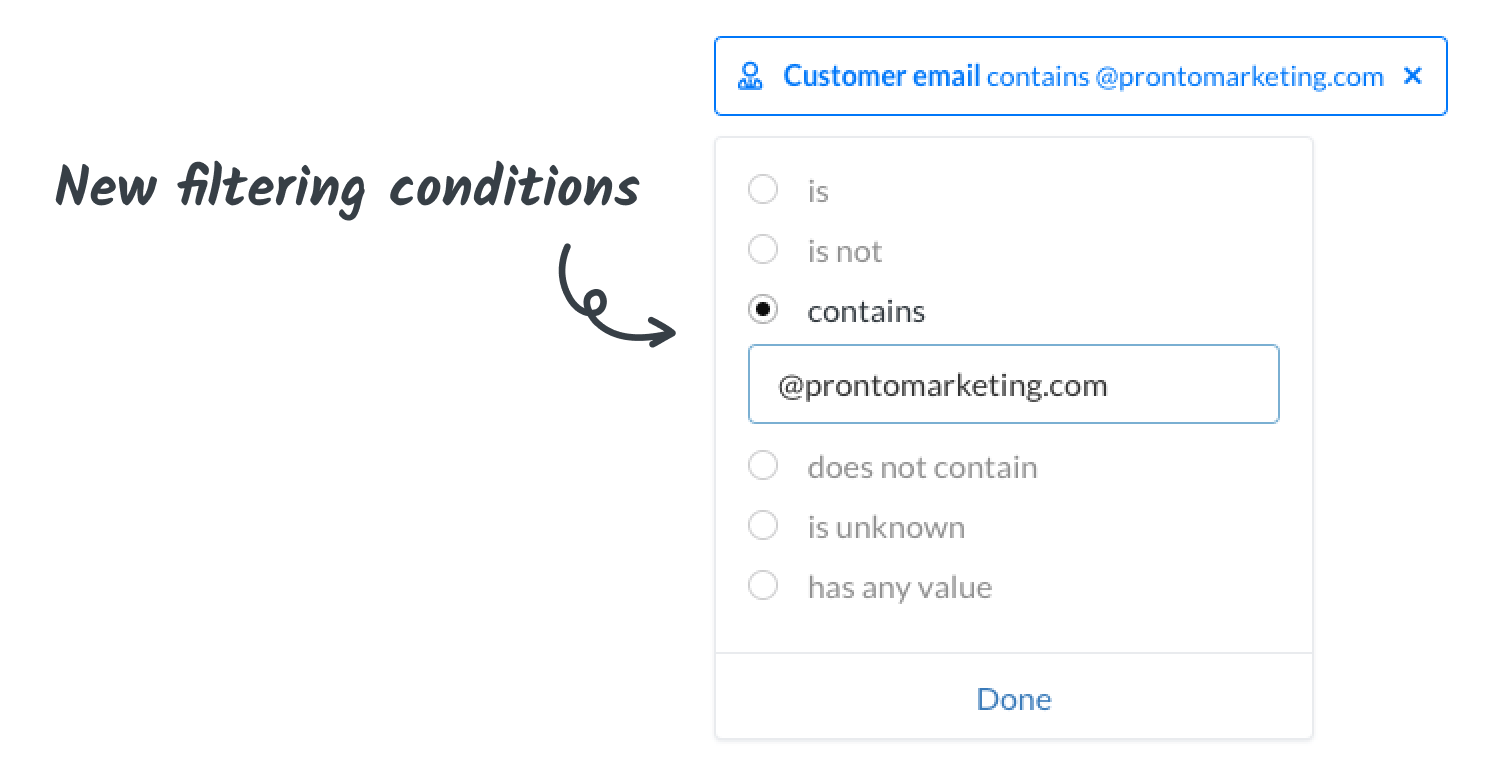 Filters just got an upgrade! You can now access more conditions to help you view the exact data you're looking for. New conditions include: is not, contains, does not contain, is unknown, and has any value. Use these conditions in Dashboards, Feedback, and Reports.
 The Simplesat trigger now includes additional answer data! Make sure the Simplesat connector is at least on version 1.5.0.
Learn more about the Zapier integration →
The Simplesat trigger now includes additional answer data! Make sure the Simplesat connector is at least on version 1.5.0.
Learn more about the Zapier integration →
5-Star metric
In addition to CSAT, NPS, and CES, Simplesat now supports the 5-Star metric as the primary question type in your surveys.
Here's how it's different from CSAT:
- Fixed 5-choice rating scale
- Star icons on web surveys behave more like a slider (filling in with color as you hover or click)
- Default rating calculation is the mean average (CSAT is % of positive ratings)
Multi-select question type
We've heard you loud and clear! Multi-select questions are now available, allowing your customers to select multiple choices for a question. They can simply click to toggle their choices and then hit submit to move on to the next question. This feature is also available for follow-up questions.
Expiration settings for surveys
Keep your data locked down with our new expiration settings. You can now configure responses to be "locked" after a set number of hours, ensuring that old data stays preserved. Comparing quarters has never been easier!
Learn more about expiration settings →
Conditions for filters
Filters just got an upgrade! You can now access more conditions to help you view the exact data you're looking for. New conditions include: is not, contains, does not contain, is unknown, and has any value. Use these conditions in Dashboards, Feedback, and Reports.
Good news for Zapier users
The Simplesat trigger now includes additional answer data! Make sure the Simplesat connector is at least on version 1.5.0.
Learn more about the Zapier integration →
