Q1 2021 feature release: Advanced survey design customization and multi-brand support
New features
Multi-brand support (Pro)
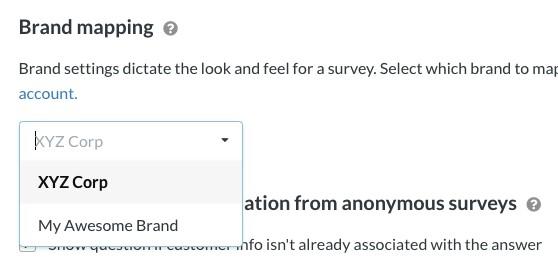
The new brands model gives you the ability to have multiple brands with different logos and design settings all under the same Simplesat account.
Learn more about multi-brand support →
More survey customization options
Customer surveys don't have to be boring! 😤
Fresh new customization options including:
- Wallpaper - Patterns that display on top of whatever background color you choose.
- Accent color - This color is used for buttons, borders around multiple choice questions when hovered, and the horizontal bar of the sliding scale question type.
- Font - Choose from a variety of Google Fonts.

Learn more about customizing surveys →
Custom CSS styling (Pro)
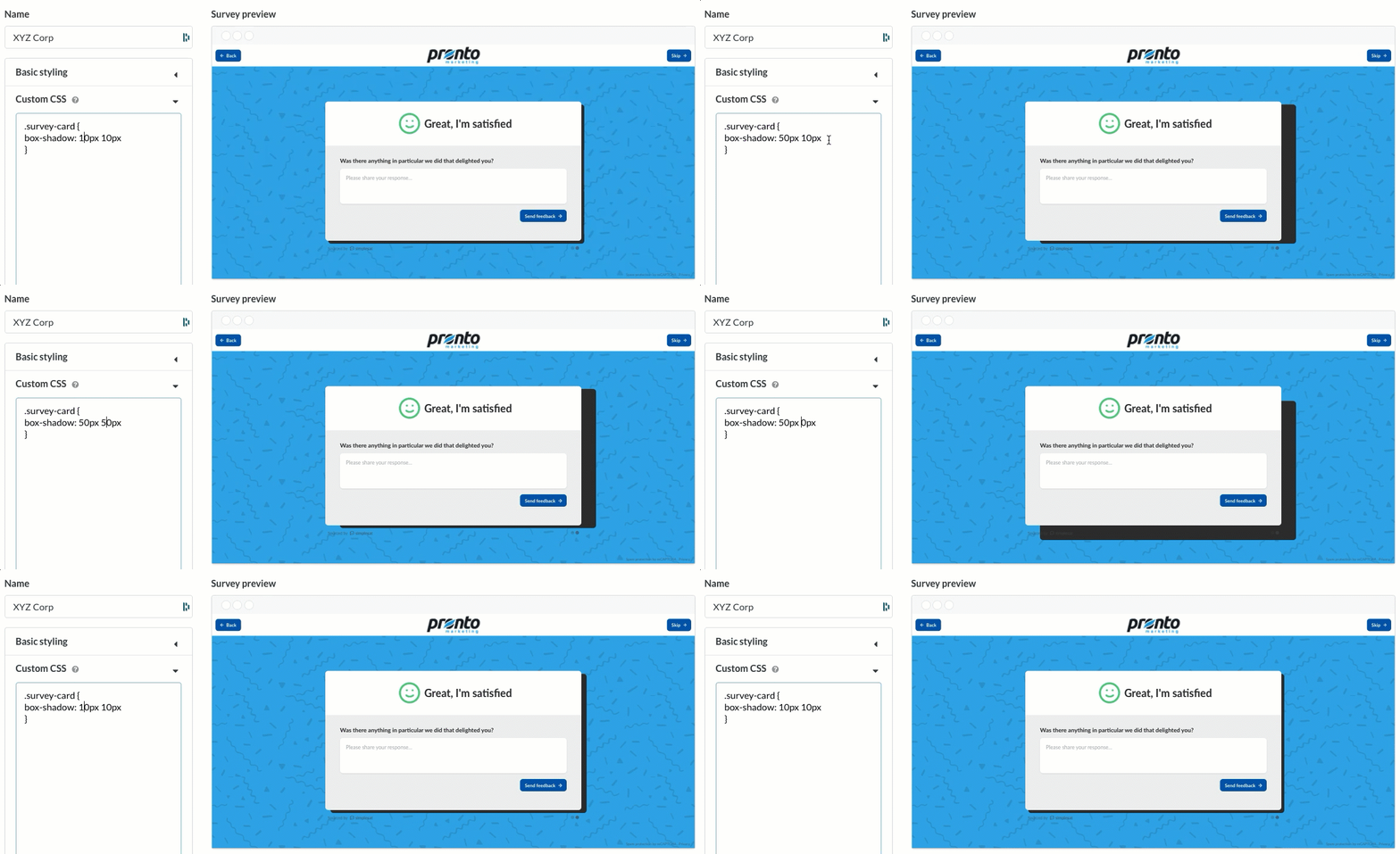
Custom CSS gives you full control over your web survey's styling, including background images, button colors, fonts, and all the other little things that make your brand unique.
Here are a few examples of what's possible with custom styling:
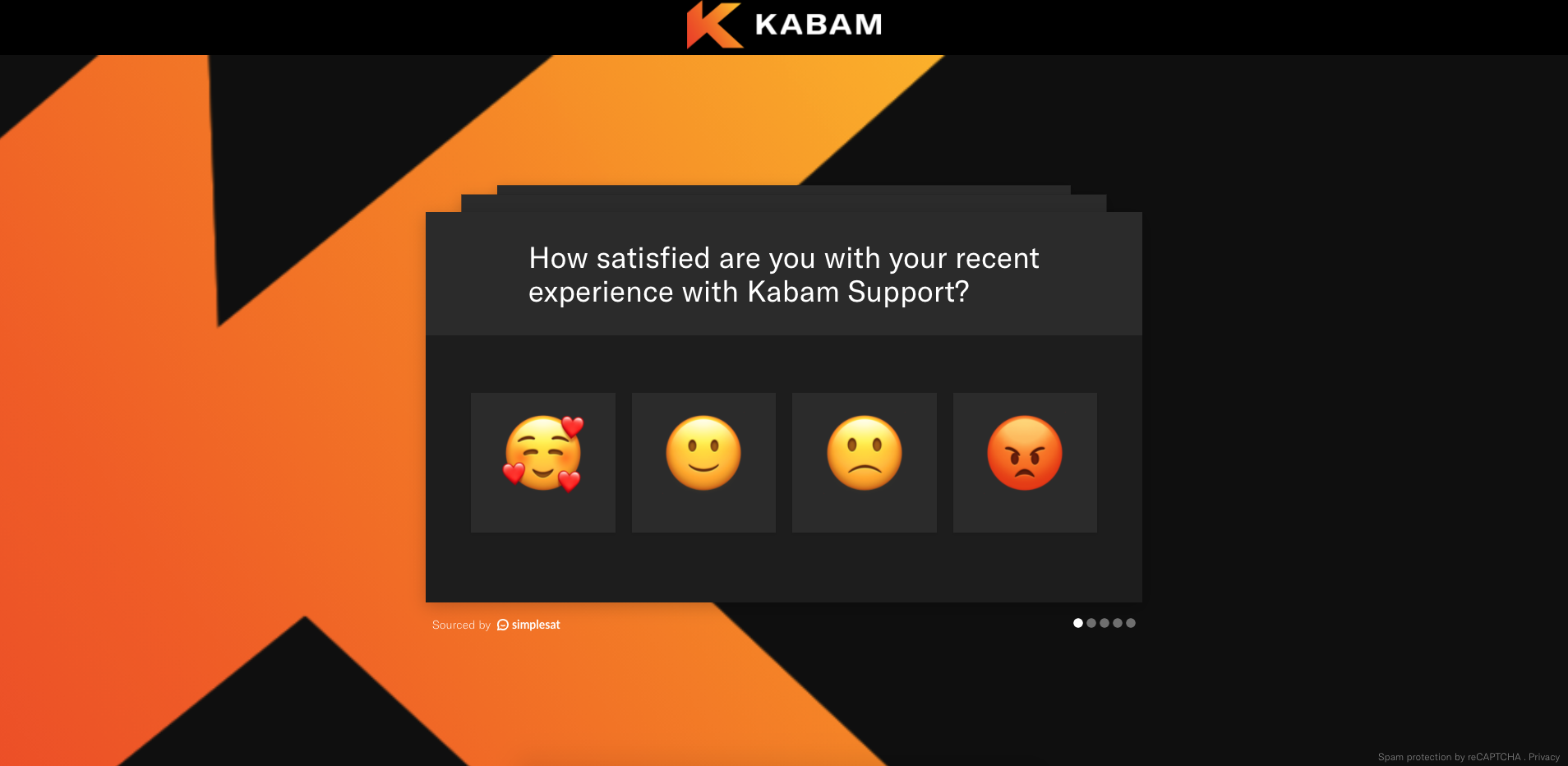
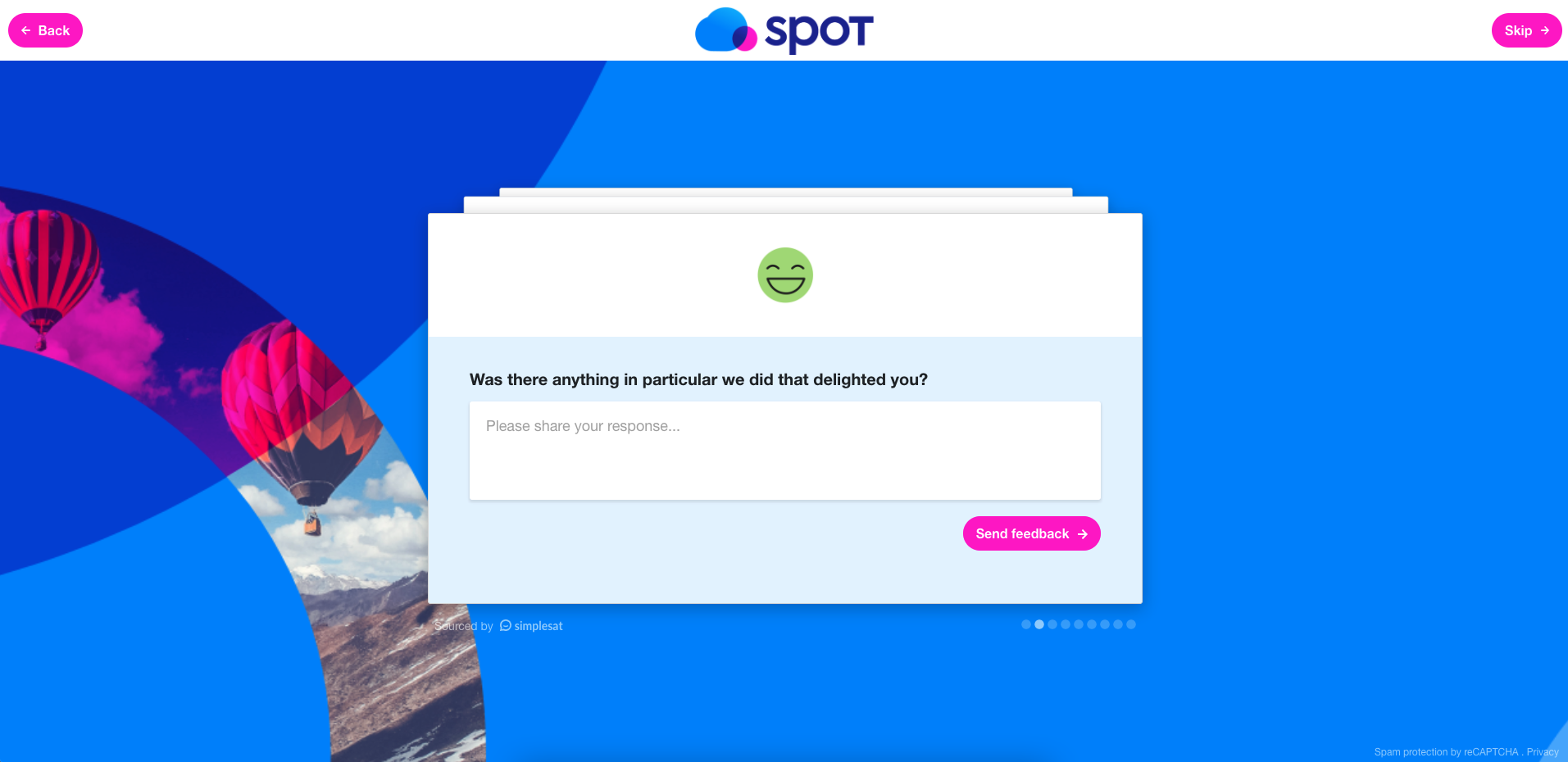
The CSS editor includes a live preview as you edit your survey in real-time.
If you're interested in custom design but aren't a CSS wiz, we're happy to work with your designer and write the code for you!
Learn more about custom CSS survey styling →
Custom survey host mapping (Pro)
Host mapping allows you to display any domain of your choice when respondents visit your web survey. Talk about a fully branded experience!
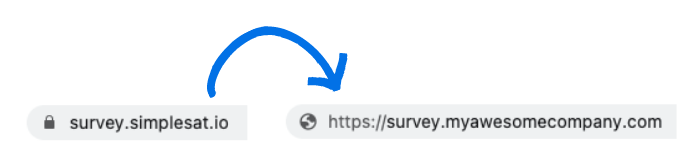
Learn more about using a custom URL for your web survey →
Translate surveys into different languages
Now Simplesat surveys can be fully translated into other languages. Translations include everything your end-users would see, such as back and skip buttons.
If we don't have the language you're looking for please let us know and we'll get it added!

Learn more about translating surveys →
New options to make surveys more "Outlook friendly"
Outlook can be a pesky tool when it comes to getting your surveys to look right in emails. We've added a few new options for you to try out:
- Display text labels under rating images
- Display colored boxes if images don't load
- When in doubt, use emojis!

Learn more about ways to optimize surveys in Outlook signatures →
Move customer card to the beginning of the survey
Embedded surveys that don't automatically collect a ticket ID or customer email can become problematic if too many of the responses are anonymous.
We've made a few updates to address the issue:
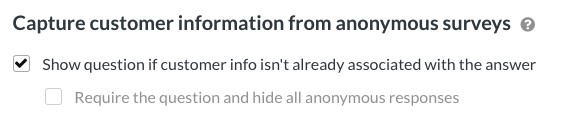
Learn more about how to deal with anonymous responses →
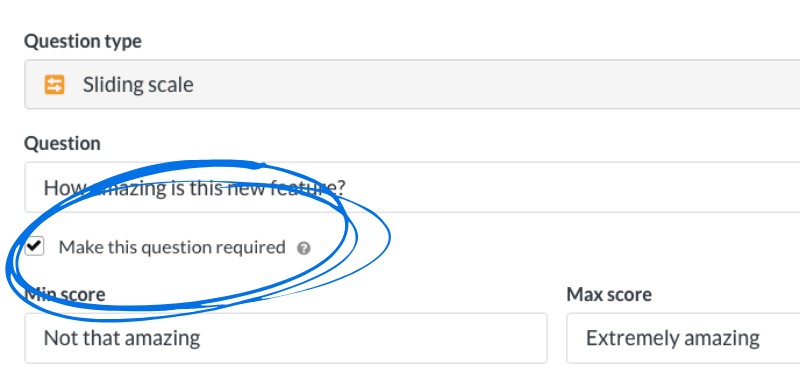
Ability to make questions required
When a question is required, respondents are unable to skip and proceed to the next question until they provide an answer.
Making questions required guarantees you won't get any blank responses, but might increase the chance of respondents abandoning the survey early.